
Verber Studio Blog
10 Ways to Use Your 10 Free Verber Credits for Maximum Impact
2026-11-13 · Team
Use 10 free Verber Studio credits on New Post and New Campaign — Brand Kit setup is free — and ship on-brand social assets before you pay.
Ten free credits buy generations — Brand Kit setup stays free.
Summary: Your 10 free Verber credits buy generations — not Brand Kit setup. Extract your Brand Kit for free, then spend credits on New Post (one network) and New Campaign (a multi-platform pack) so you feel the real product workflow before you pay.
What is a Verber credit?
1 credit = 1 content generation slot (one AI image + caption for one network).
Credits are used when Studio generates creative. They are not used for:
- Extracting or saving a Brand Kit from your website (always free)
- Browsing Media Library, Canvas edits that do not re-generate, or account setup
When you run New Campaign with 3 networks selected, that pack uses ~3 credits (one per platform slot). New Post uses 1 credit for the single network you choose. After a New Post finishes, you can Expand into more networks — each added network costs another credit.
New Post vs New Campaign (read this first)
| New Post | New Campaign | |
|---|---|---|
| Job | Ship one on-brand post for a single network | Ship one idea adapted across 2–3 networks (soft max 3) |
| Credits | 1 per generate | 1 per selected network |
| Best when | You need something usable today on one channel | You want a coordinated pack from one brief |
| Warm path | Finish a Post, then Expand to more networks | Start multi-network from the Campaign wizard |
Networks available today in both wizards: Instagram · LinkedIn · X · Facebook · Pinterest · WhatsApp (Stories for general engagement, Catalog for product promotion).
TikTok, email banners, and Amazon/Shopify listing templates are not integrated as generation targets in the New Post / New Campaign UI yet — do not plan trial credits around them.
The New Post workflow (what you actually click)
- Open Studio → New Post.
- Paste a product URL, a profile/page link, or a few lines describing the idea. You can do this before or after a Brand Kit exists.
- If you do not have a Brand Kit yet, extract one from your website when prompted — free, does not spend a credit.
- Pick content type (product promotion vs general engagement) and one network from the list above. Aspect ratio follows that network.
- Generate (1 credit). Review image + caption, refine in Canvas if needed, then download or share.
- Optional: Expand the finished post into a small Campaign pack for sibling networks (extra credits per added network).
New Campaign is the same brand-first loop, but you select multiple networks up front (suggest 2–3) and Studio generates a coordinated pack in one run.
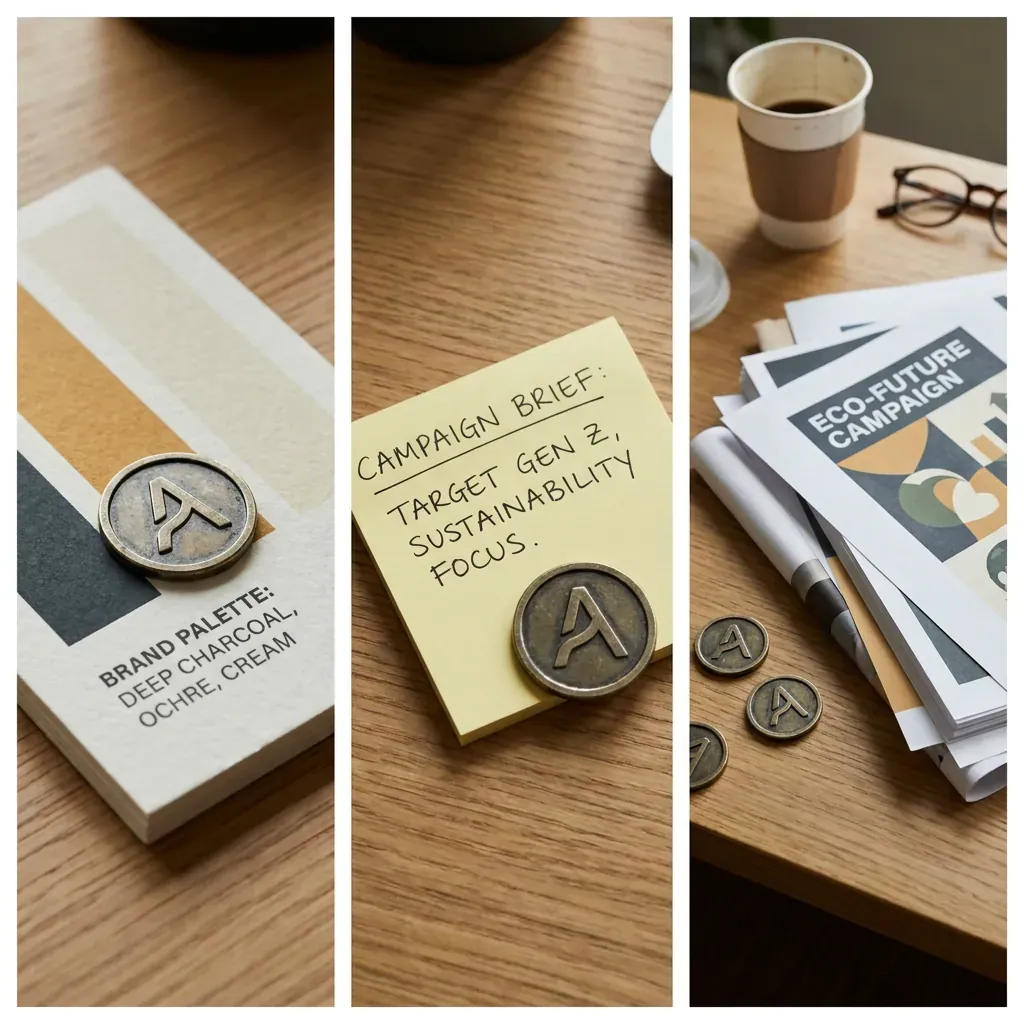
Spend trial credits on New Post and New Campaign after a free Brand Kit.
Strategy 1: The Brand First Approach (Recommended)
Use: 1–3 credits (Brand Kit = 0)
What you'll experience:
- Extract your Brand Kit from your website (free)
- Run New Campaign for 2–3 networks you already use (e.g. Instagram + LinkedIn + X) — 1 credit per network
Why this is smart: You feel the full brand-first loop without wasting a credit on setup. Every later generation inherits colors, logo, and tone.
Who this is for:
- You have a website or established brand
- You want consistent branding from the first asset
- You plan to generate more than one post
What you get:
- Saved Brand Kit (free)
- A coordinated pack across the networks you selected
Strategy 2: The Single-Post Test Drive
Use: 1–2 credits
What you'll experience:
- Optional free Brand Kit extract
- New Post for Instagram or LinkedIn (1 credit)
- Optional second New Post with a tighter brief (1 credit)
Why this is smart: Lowest risk. You learn the New Post flow end-to-end before spending on a pack.
Who this is for:
- You want one usable asset today
- You are evaluating image quality and caption tone
- You prefer one channel first
What you get:
- One (or two) publish-ready posts
- Confidence in the wizard before you pack
Strategy 3: The Multi-Platform Pack
Use: 3 credits
What you'll experience:
- Free Brand Kit extract (if needed)
- New Campaign with three networks — e.g. Instagram + Facebook + WhatsApp Catalog, or LinkedIn + X + Instagram
Why this is smart: One brief → three network-native assets. Matches how Campaign pack credits actually work (1 per slot).
Who this is for:
- You already post on more than one of the supported networks
- Your pain is rewriting the same offer per channel
- You want to see platform-specific framing
What you get:
- Three on-brand assets from one idea
- A clear sense of pack credit math
Strategy 4: The Solopreneur Starter Pack
Use: 3–4 credits
What you'll experience:
- Free Brand Kit from URL or short description
- Two New Posts (e.g. Instagram + Pinterest) — 2 credits
- One small New Campaign expand or second pack slot pair — 1–2 credits
Why this is smart: Social-first, no storefront integration required. Stay inside channels Studio actually supports today.
Who this is for:
- You are early-stage
- Your distribution is Instagram / Pinterest / WhatsApp / X
- You want usable posts this week
What you get:
- A starter library on real networks
- Practice with both New Post and Campaign
Strategy 5: The SaaS Feature Launch
Use: 3–4 credits
What you'll experience:
- Free Brand Kit from your product site
- New Post for LinkedIn (1 credit)
- New Post for X (1 credit)
- Optional New Campaign adding Instagram or Facebook (1–2 credits)
Why this is smart: B2B launch content on the networks founders already use — without inventing email-banner or TikTok steps the product does not ship yet.
Who this is for:
- You ship features and need launch visuals
- LinkedIn + X are your primary surfaces
- You want product-aware, on-brand creative
What you get:
- Launch assets for LinkedIn/X (and optional pack siblings)
- Brand Kit ready for the next release
Mid-check: Brand Kit first is free. Spend credits on New Post / New Campaign generations, not on setup.
Strategy 6: The Catalog Teaser (product sellers)
Use: 4–6 credits
What you'll experience:
- Free Brand Kit from your site or store homepage URL
- Paste product page URLs into New Post / New Campaign (product extraction feeds the brief)
- Generate WhatsApp Catalog + Instagram (+ optional Facebook/Pinterest) packs across 2–3 products
Why this is smart: You still sell on Amazon/Shopify/etc., but Studio’s trial value is social/catalog creative for the channels in the wizard — not Amazon or Shopify listing builders inside Studio.
Who this is for:
- You have 2–3 SKUs ready
- You need better social/catalog visuals
- You want to see product-URL → asset quality
What you get:
- On-brand product posts for supported networks
- A repeatable New Campaign pattern per SKU
Strategy 7: The A/B Brief Experiment
Use: 4 credits
What you'll experience:
- Free Brand Kit
- New Campaign pack A (2 networks) with brief A — 2 credits
- New Campaign pack B (same 2 networks) with a different brief — 2 credits
- Compare side by side in Media Library / Canvas
Why this is smart: Credits buy creative direction tests, not channel sprawl. Same networks, different briefs.
Who this is for:
- You care about message/visual testing
- You want to feel how brief changes move the AI
- You can spend one focused session
What you get:
- Two pack variants on the same channels
- Notes for your next paid generation
Strategy 8: The Expand Path
Use: 4–5 credits
What you'll experience:
- Free Brand Kit
- New Post on your primary network (1 credit)
- Expand into 2–3 sibling networks (2–3 credits)
- Optional second New Post for a different offer (1 credit)
Why this is smart: Mirrors the product’s warm path: nail one post, then fan out. You learn New Post before you commit to a full Campaign.
Who this is for:
- You want to understand Post → Expand → pack
- You have one hero channel and secondary channels
- You dislike configuring a full pack first
What you get:
- A hero post plus expanded siblings
- Clear mental model of both entry points
Strategy 9: The Content Library Build
Use: 8–10 credits
What you'll experience:
- Free Brand Kit
- Mix of New Posts and New Campaigns across Instagram, LinkedIn, X, Facebook, Pinterest, and WhatsApp
- Keep every download in Media Library as a reusable set
Why this is smart: Ten credits go further when Brand Kit is free and you stay on supported networks. Aim for a small library you can schedule manually this month.
Who this is for:
- You need a steady stream, not one stunt
- You post weekly on 2+ supported networks
- You want leftovers after the trial
What you get:
- A multi-network starter library
- Saved Brand Kit for paid scale-up
Strategy 10: The Full Supported-Network Sweep
Use: 10 credits
What you'll experience:
- Free Brand Kit
- Cover every supported network at least once via New Post and/or Campaign packs (Instagram, LinkedIn, X, Facebook, Pinterest, WhatsApp)
- Leave 1–2 credits for a favorite brief redo
Why this is smart: You evaluate Studio against the channels it actually generates for — not a wish list of future integrations.
Who this is for:
- You want a complete picture of today’s product
- You market across several of the supported networks
- You are deciding whether to buy more credits
What you get:
- Assets on every live wizard network
- An honest map of what Studio does now
Which strategy should you choose?
Choose Strategy 1 (Brand First) if:
- You have a site and want the real brand → pack loop
- You will use 2–3 supported networks this week
Choose Strategy 2 (Single-Post Test Drive) if:
- You want the cheapest learning path
- One network matters most today
Choose Strategy 3 (Multi-Platform Pack) if:
- Fragmented captions/visuals across Instagram / LinkedIn / X / Facebook / WhatsApp / Pinterest is your pain
- You want to feel Campaign pack credit math
Choose Strategy 8 (Expand Path) if:
- You want to learn New Post before New Campaign
- You like hero-then-fan-out
Choose Strategy 10 (Supported-Network Sweep) if:
- You are evaluating the product surface area as it ships today
Pro tips for maximum credit value
Tip 1: Brand Kit before generations — and remember it is free Paste your website URL, accept the kit, then spend credits. Do not “save” a credit by skipping Brand Kit; setup does not cost one.
Tip 2: Count platforms, not vibes A 3-network Campaign ≈ 3 credits. Plan your 10 around slots, not “one campaign = one credit.”
Tip 3: Stay inside live networks Instagram, LinkedIn, X, Facebook, Pinterest, WhatsApp. Skip TikTok / email / Amazon / Shopify targets until they appear in the wizard.
Tip 4: Prefer New Post when learning, Campaign when scaling an idea One credit teaches the loop; packs teach multi-network adaptation.
Tip 5: Download everything Export what you like. Trial value compounds if you keep the files even when you pause generation.
After your 10 credits: What next?
If you saw value: Your Brand Kit stays. Paid credits continue the same New Post / New Campaign loop on the same networks.
If you're still evaluating: You now know credit math, the Post vs Campaign difference, and quality on your real channels.
If it wasn't a fit: No pressure — the trial is meant to teach the system, not trap you.
What can I do with 10 free credits on Verber Studio?
Brand Kit extraction: free.
1 credit = 1 generation slot (New Post, or one network inside a Campaign pack).
Example spend:
- Free Brand Kit + one 3-network New Campaign (3) + four New Posts (4) + one expand (2) + one redo (1) = 10
Stay on: Instagram, LinkedIn, X, Facebook, Pinterest, WhatsApp.
Related reading
- How to Build a Brand Kit That Runs Campaigns Without You
- From One Post to Multi-Platform Campaign in Minutes
- Live consideration piece: AI Design Tool vs AI Brand System
FAQ
What can I do with 10 free Verber Studio credits?
About ten generation slots across New Post and New Campaign. Brand Kit setup does not consume them.
Does Brand Kit extraction use a credit?
No. Brand Kit extraction from your website is free. Credits start when you generate creative.
What is the difference between New Post and New Campaign?
New Post = one network, one generation. New Campaign = one idea across multiple networks (typically 2–3; soft max 3), at 1 credit per network. You can also finish a New Post and Expand into more networks.
Which platforms can I generate for today?
Instagram, LinkedIn, X, Facebook, Pinterest, and WhatsApp (Stories or Catalog depending on content type). TikTok, email banners, and Amazon/Shopify listing flows are not in the New Post / New Campaign channel picker yet.
What’s the highest-ROI first spend?
Free Brand Kit + a 2–3 network New Campaign on channels you already post to (Strategy 1), or a single New Post if you want the lightest test (Strategy 2).
Key takeaways
- Brand Kit is free; credits buy generations.
- Learn New Post vs New Campaign before you burn the trial.
- Only plan for networks that exist in the wizard today.
Try it on your brand
Set up your Brand Kit free, then spend your 10 credits on New Post and New Campaign for the channels you already use.
Get Early Access
Get early access invites, feature drops, and practical AI marketing workflows.
No spam, ever. Unsubscribe anytime.